Visa and passport photos to official specs
Pick your country’s document and get a photo sized and framed to its rules, with optional touch-ups, outfit change and print sheet.
- Official specs for many countries
- Suit and outfit change
- Print sheets for 5 or 6 inch paper
or drop a file here, or paste with Ctrl+V
JPG, PNG, WEBP, BMP, TIFF, GIF, up to 15 MB
No image? Try one:
Accepted-size photos without a studio
Pick an example to see the original and the result.


Swap a sweater for a suit
- 15 outfits for men, women and children
- Fitted to your shoulders and pose
- No need to dress up for the photo
Official specs, not just sizes
Each document preset includes the head size, position and file size the authority expects: passports, the US 2 × 2 in, and visas for Canada, France, Italy, Japan, South Korea, India and more.
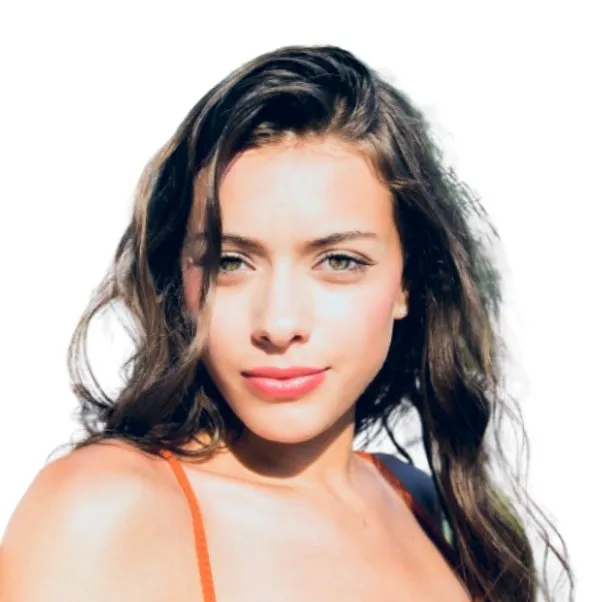
Change into a suit
Pick an outfit and the AI dresses you in it, fitted to your pose. Handy for official photos when you took the picture at home.
Print several copies on one sheet
Choose a 5 or 6 inch print sheet and print it at any photo kiosk, then cut the copies out.
How it works
Upload a portrait
Face the camera, even light, up to 15 MB.
Pick the document and extras
Background color, touch-ups, outfit and print sheet are optional.
Download and use
Upload it to your application or print the sheet.
What makes a visa photo different?
Visa and passport photos must follow strict rules: exact print size, how large the head is, where the eyes sit, background color and sometimes file size. This tool uses official specifications for each document so the crop and framing are right.
Outfit change and print sheets save a trip to a photo studio when you need official photos quickly.
Questions
Ready for your official photo?
Free, no sign-up, ready to print.