Remove the background from any photo
Upload an image and get a clean cut-out in seconds. Free, no sign-up, no watermark.
- Transparent PNG
- Up to 5 photos at once
- 1,000+ images processed
or drop a file here, or paste with Ctrl+V
JPG, PNG, WEBP, BMP, TIFF, GIF, up to 20 MB each
No image? Try one:
Works on whatever is in your photo
Pick a subject to see the before and after. Drag the slider to compare.
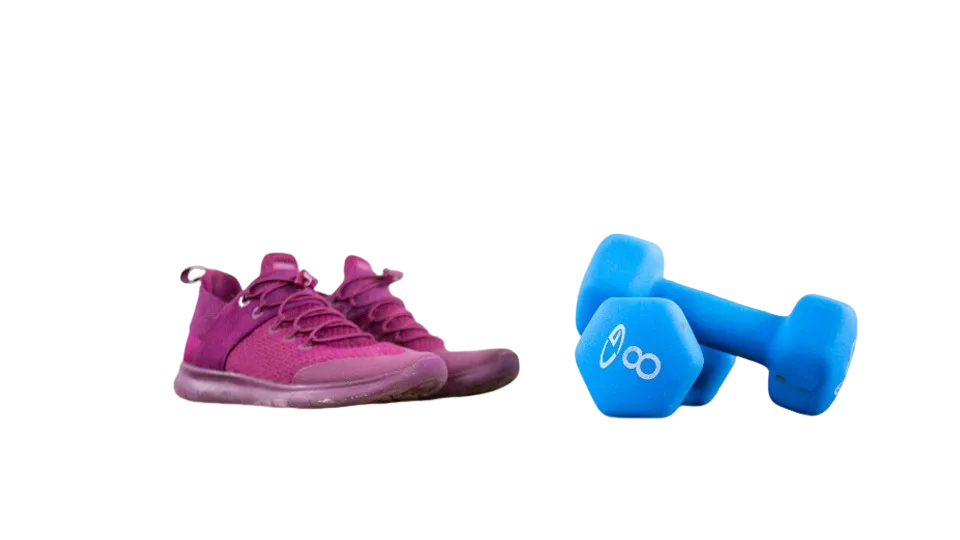
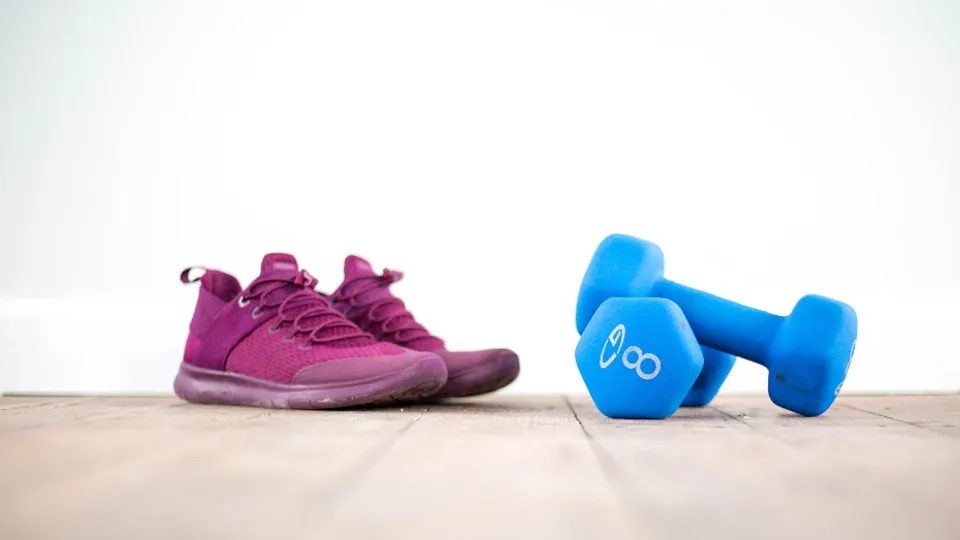
Product photos ready for your store
- Drop the table or room behind the item
- Place it on white or a brand color for listings
- Export a transparent PNG for any design tool
Clean listings without a studio
Shoot on your kitchen table, then put the item on clean white or your brand color. Every listing gets the same look without a studio.
Or generate a scene behind your productSwap in a new background
Keep it transparent, or pick a color before you download. Try the swatches: the cut-out stays the same, only the backdrop changes.
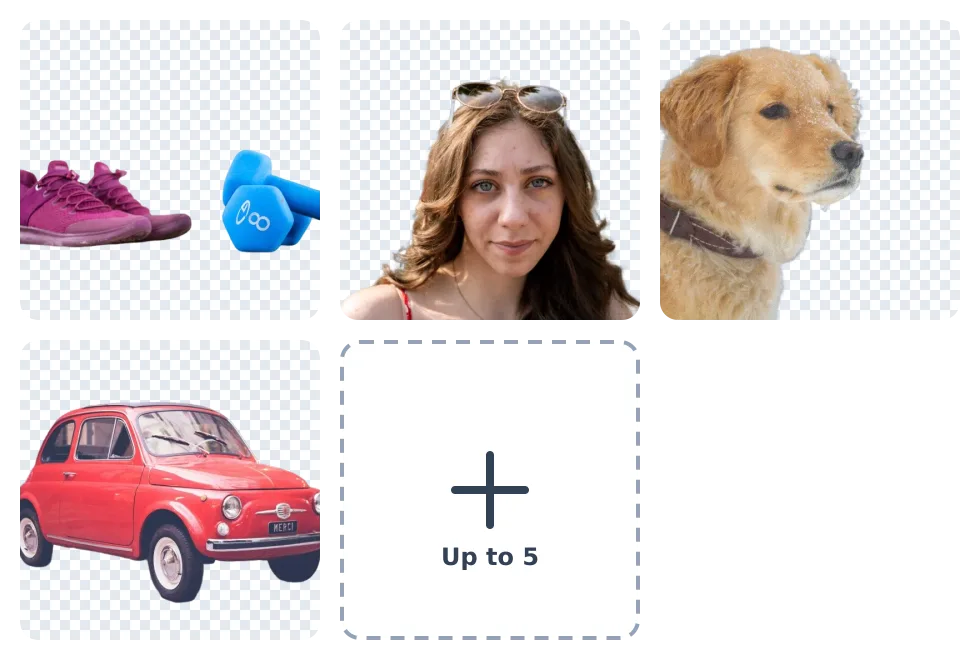
Do five photos at once
Select up to 5 images together. Each one is cut out on its own, and you can change the background and download each result separately.
How it works
Upload a photo
Choose a file, drop it on the page, or paste it. JPG, PNG, WEBP, BMP, TIFF and GIF up to 20 MB.
We cut out the subject
The AI finds the person, product or animal and removes everything behind it, usually in a few seconds.
Download your PNG
Save it with a transparent background, or pick a color first. No watermark is added.
What is an AI background remover?
An AI background remover detects the subject in your photo (a person, product, pet or object) and removes everything behind it, leaving a clean transparent background. Unlike manual selection in Photoshop, it takes seconds and needs no editing skills.
It handles fine details like hair and fur well. For a busy scene where you only want to erase one thing, the object remover is a better fit.
Who is it for?
- Online sellers: clean product photos on white or a brand color for Amazon, Etsy or Shopify
- Designers and marketers: pull subjects out of photos for ads, social posts and slides
- Photographers: deliver transparent cut-outs without opening Photoshop
- Job seekers and students: plain-background headshots for CVs and profiles
- Creators: put yourself or your product on any background
Questions
Ready to cut out your photo?
Free, no sign-up, and your first result is a few seconds away.