Cut out clothes, hair and accessories
Pick an item, such as the top, dress, shoes, bag or hair, and get just that part on a transparent background. Free, no sign-up.
- 10 items to choose from
- Transparent cut-out or mask
- Great for fashion listings
or drop a file here, or paste with Ctrl+V
JPG, PNG, WEBP, BMP, TIFF, GIF, up to 20 MB each. Up to 5 at once
No image? Try one:
One item, cleanly separated
Pick an example, then drag the slider to compare.
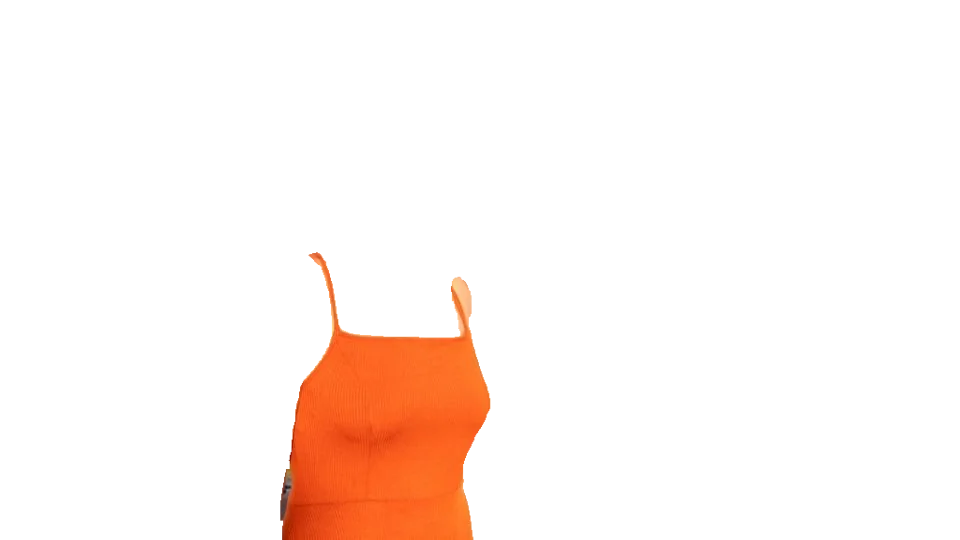

Just the outfit
- Separates clothing from the person
- Clean edges around straps and seams
- Ready for flat-lay style listings
Choose what to cut out
All clothing, tops, bottoms, dress, accessories, bag, shoes, hair, face, or the whole person.
Cut-out or mask
Get the item itself on transparent, or a black-and-white mask to use as a selection in Photoshop, Figma or other editors.
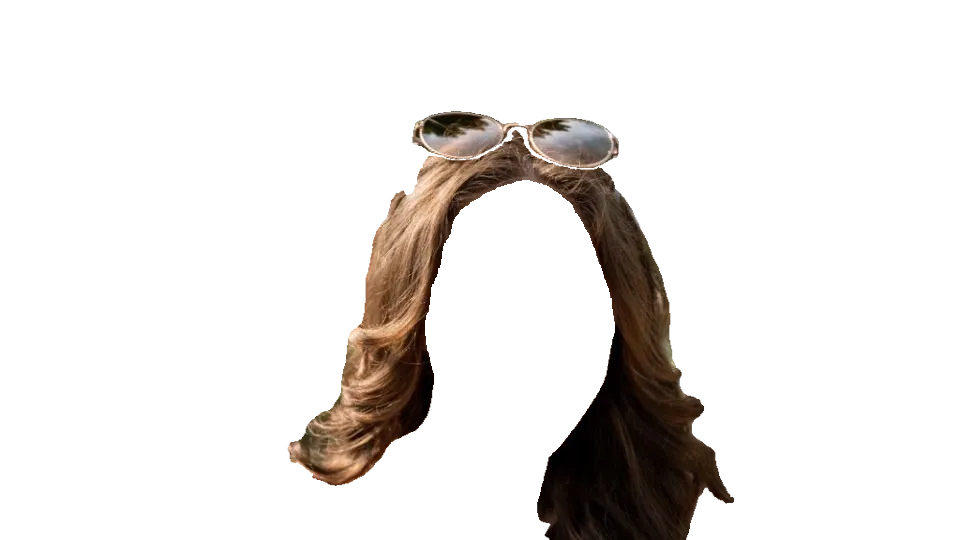
For fashion sellers and designers
Make product shots of garments, swap colors in your editor, or build lookbooks without reshooting.
How it works
Upload a photo of a person
A clear, full or half-body photo up to 20 MB.
Pick the item
And whether you want a cut-out or a mask.
Download
If the item isn’t in the photo, you’ll be told so you can pick another.
What is clothing segmentation?
Clothing segmentation labels every pixel of a person photo by what it belongs to: top, bottoms, dress, shoes, bag, hair, face and so on. You can then pull out exactly the part you need.
Questions
Ready to cut out an item?
Free, no sign-up, ten items to choose from.