i2img
Remove BGEnhancerWatermarkColorizeCompressObjectsFace Cut
Home
Tools
Face Cutout

Face Cutout

Extract faces and people from photos with AI

See how it works

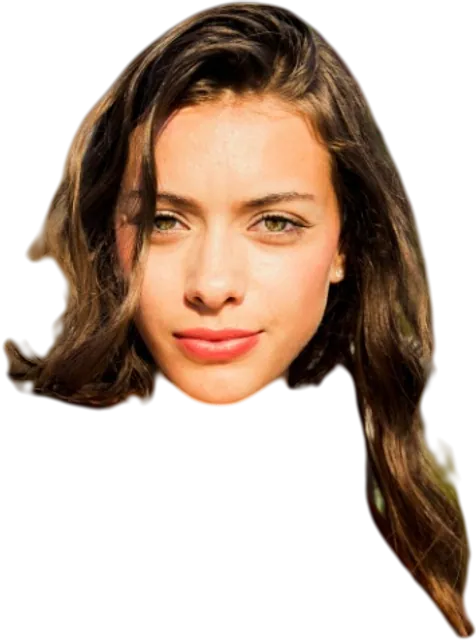
Face cutout example — portraitPortrait

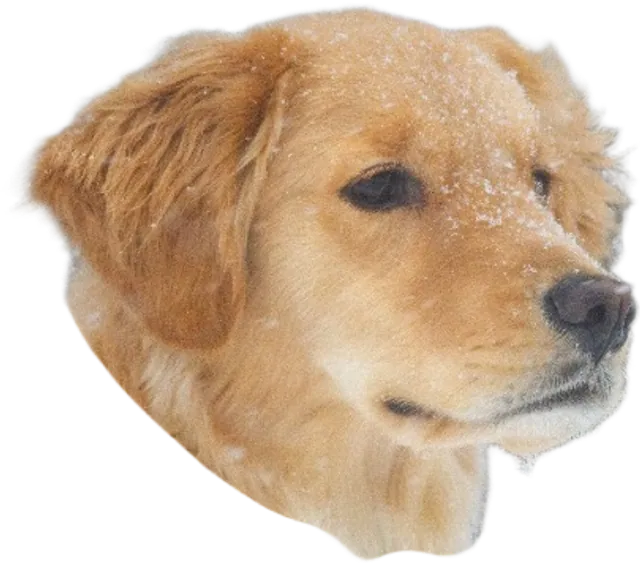
Precise face cutouts for portraits, pets, and group photos

or drag and drop your images here

Supported: JPG, PNG, WEBP, BMP, TIFF, GIF · Max 4096×4096px · Max 20MB

Upload up to 5 images at once

How to Cut Out a Face or Person from a Photo

  1. Upload a photo with a face or person — JPG, PNG, WEBP, BMP, TIFF, or GIF, up to 20MB
  2. Our AI precisely detects and extracts the face or subject
  3. Download your cutout as a transparent PNG, ready to use anywhere

What Is a Face Cutout Tool?

A face cutout tool uses AI to detect and isolate a person or face in a photo, removing everything else and delivering a transparent PNG. It's tuned specifically for human subjects, meaning it handles hair, skin tone edges, and facial details more precisely than a generic background remover.

i2img's face cutout model is trained on millions of portrait photos — from selfies and headshots to full-body images — and produces clean, sharp edges even with complex hair or lighting conditions.

Who Is This Tool For?

  • Job seekers — create clean professional headshots for LinkedIn or resumes
  • Students — prepare ID or school photos quickly
  • Designers — extract people from photos for posters, ads, or social content
  • Photographers — deliver portrait cutouts to clients without Photoshop
  • App developers — generate user avatar assets from photo uploads

Frequently Asked Questions

What's the difference between Face Cutout and Background Remover?

Face Cutout is fine-tuned specifically for human subjects — it handles hair, facial edges, and skin tones with greater precision, making it the better choice for portrait photos.

Does it work for full-body cutouts as well?

Yes. The tool works for both close-up face shots and full-body portraits, extracting the person cleanly from the background.

How accurate is the face cutout?

Our AI delivers clean, precise extractions for most photos — including hair, edges, and complex backgrounds.

What format is the output?

Your cutout is saved as a transparent PNG file, giving you a clean subject with no background — ready for any design tool or platform.

Is the face cutout tool free?

Yes, 100% free. No signup, no watermark on output, no hidden limits.

You Might Also Need

  • Background Remover — remove backgrounds from full photos
  • Photo Enhancer — sharpen and improve the cutout quality
  • Image Compressor — reduce file size for use in apps or websites

i2img

Professional AI-powered image processing tools available for free. Enhance, remove backgrounds, and transform your images instantly.

Tools

  • Background Removal
  • Photo Enhancer
  • Watermark Remover
  • Photo Colorization
  • Image Compression
  • Object Removal
  • Face Cutout
  • Advanced Upscaler
  • Old Photo Restore
  • Photo Retouch
  • Background Generator
  • ID Photo Maker
  • Advanced ID Photo
  • Image Expansion
  • Smart OCR
  • Smart Crop
  • Clothing Segmentation

Company

  • Home
  • All Tools

© 2026 i2img. All rights reserved.