Put your product in a new scene
Upload a product photo and AI places it in a realistic studio, kitchen or outdoor scene, or one you describe. Free, no sign-up.
- Any photo: we cut it out for you
- 14 ready-made scenes
- Or describe your own
or drop a file here, or paste with Ctrl+V
JPG, PNG, WEBP, BMP, TIFF, GIF, up to 20 MB each. Up to 5 at once
No image? Try one:
One product, endless backdrops
Pick an example, then drag the slider to compare.
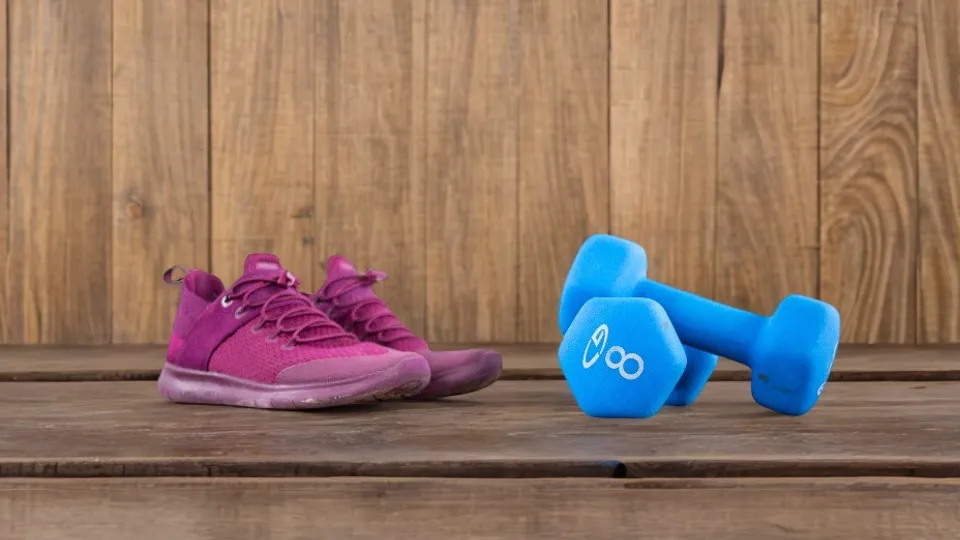
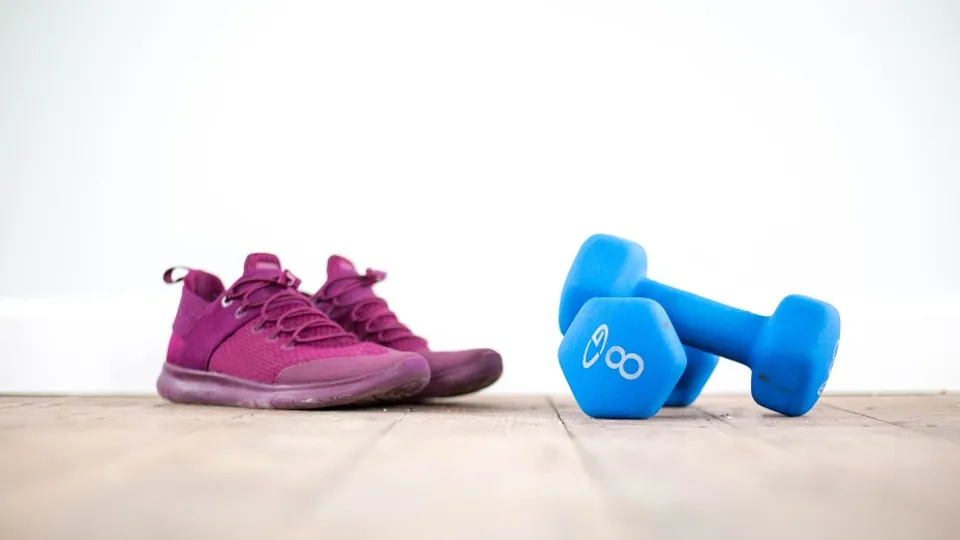
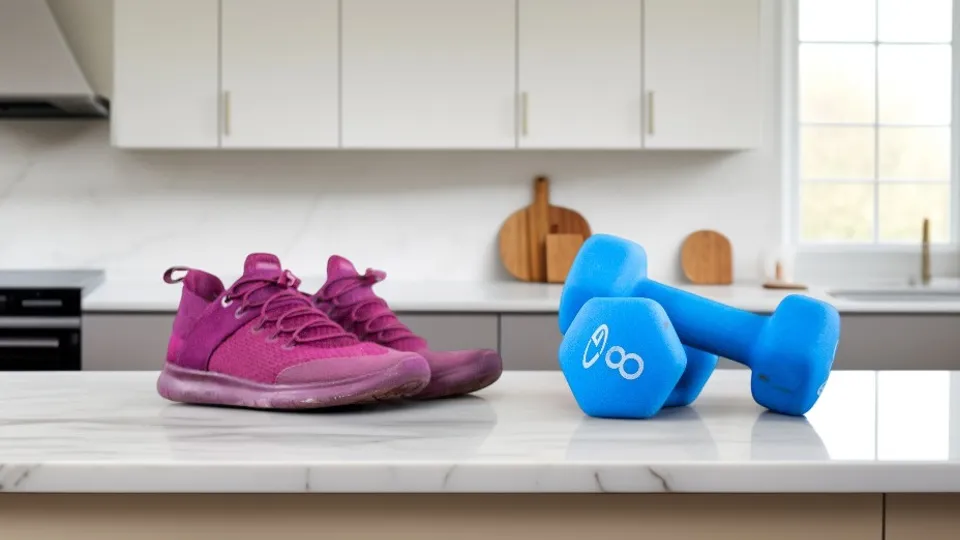
Pick a scene, get a photo
- Studio colors, wood, marble, kitchen and more
- Shadows and light match the scene
- No props or photo studio needed
Start from any photo
No need to cut out your product first. Upload a normal photo and we remove the background before generating the new scene.
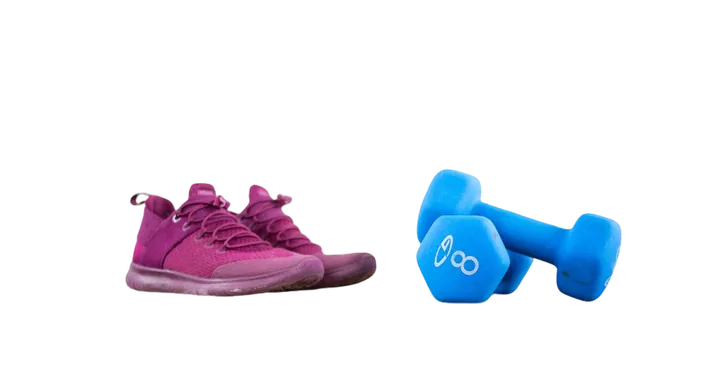
Ready-made scenes
Studio white, grey and blue; indoor wood, marble, living room, cafe and kitchen; outdoor grass, flowers, beach, autumn, mountains and city street.
Or write your own
Describe the background in plain words. Add things to leave out for more control.
How it works
Upload a product photo
Any photo up to 20 MB and at least 256 pixels on each side.
Pick a scene or describe one
Choose from 14 scenes, or type what you want.
Download the new photo
Generation takes 10–30 seconds. Try another scene and process again.
What is an AI background generator?
It takes your product, cut out from its original background, and generates a brand-new photo around it: surface, lighting, shadows and setting. The product itself stays the same.
Online sellers use it to create lifestyle and seasonal shots without a studio, props or a photographer.
Questions
Ready to restage your product?
Free, no sign-up, any photo works.