Restore old and damaged photos
Repair scratches, creases and fading in old prints, and add natural color if you like. Free, no sign-up.
- Light, medium or severe damage
- Optional colorization
- Three restoration models
or drop a file here, or paste with Ctrl+V
JPG, PNG, up to 20 MB each. Up to 5 at once
No image? Try one:
Old memories, repaired
Pick an example to see the original and the restored photo.
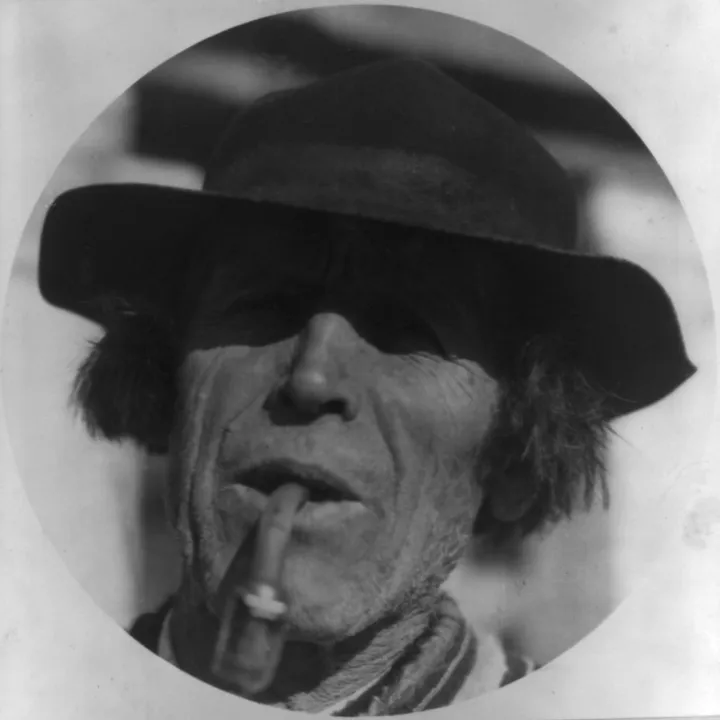
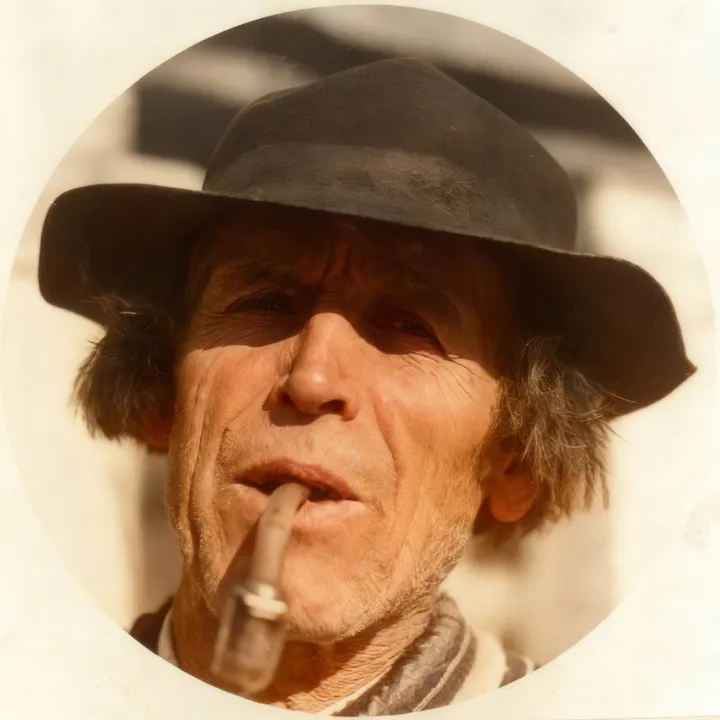
Faded, scratched, and back again
- Repairs scratches, spots and creases
- Sharpens faces and fabric
- Adds natural color
Tell it how damaged the photo is
Light for fading and small spots, Medium for scratches and creases, Severe for tears and missing pieces. Stronger settings repair more.
Pick a restoration model
Smart enhance gives clean, natural-looking faces, and Ultra HD produces the highest resolution.
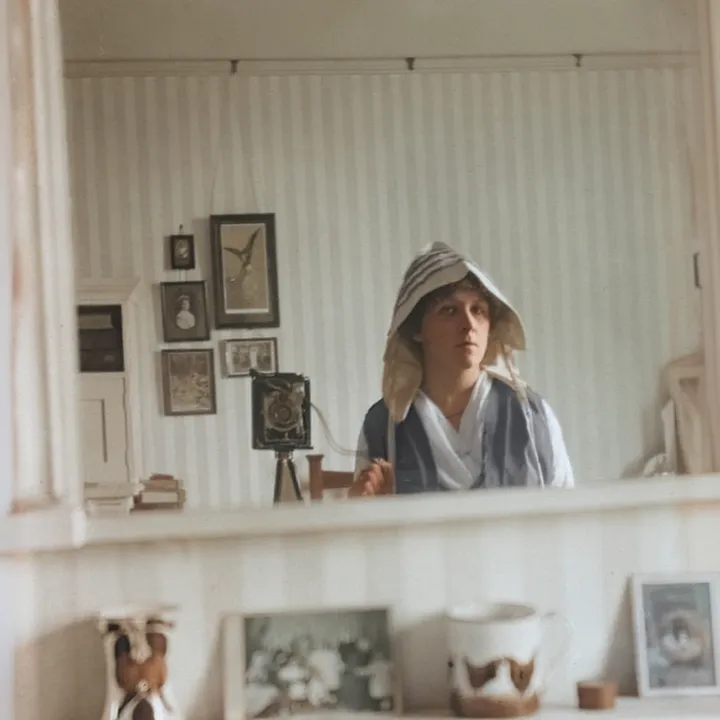
Color is optional
Keep the photo black and white if you prefer the original look; just turn color off before you upload. Light restoration always keeps the original colors.
How it works
Upload a scan or photo of the print
JPG or PNG up to 20 MB and 2048 pixels. A flat, evenly lit photo works best.
Set the damage level and model
For Medium and Severe, choose whether to add color.
Download the restored photo
It usually takes 10–60 seconds. Not right? Try another model.
How does AI photo restoration work?
Restoration models are trained on pairs of damaged and clean photos. They learn to spot scratches, dust, creases and fading, remove them, and rebuild what should be underneath, with special care for faces.
Combined with colorization, a faded family photo can look like it was taken recently, while keeping the people and the moment.
Questions
Ready to restore a memory?
Free, no sign-up, and your photo stays yours.