Upscale images without losing quality
Enlarge small photos and illustrations up to 16× with AI that rebuilds the detail. Free, no sign-up.
- 2×, 4×, 8× or 16×
- AI detail in Ultra HD
- Photo and illustration modes
or drop a file here, or paste with Ctrl+V
JPG, PNG, WEBP, BMP, TIFF, GIF, up to 30 MB each. Up to 5 at once
No image? Try one:
Bigger images that stay sharp
Pick an example, then drag the slider to compare.
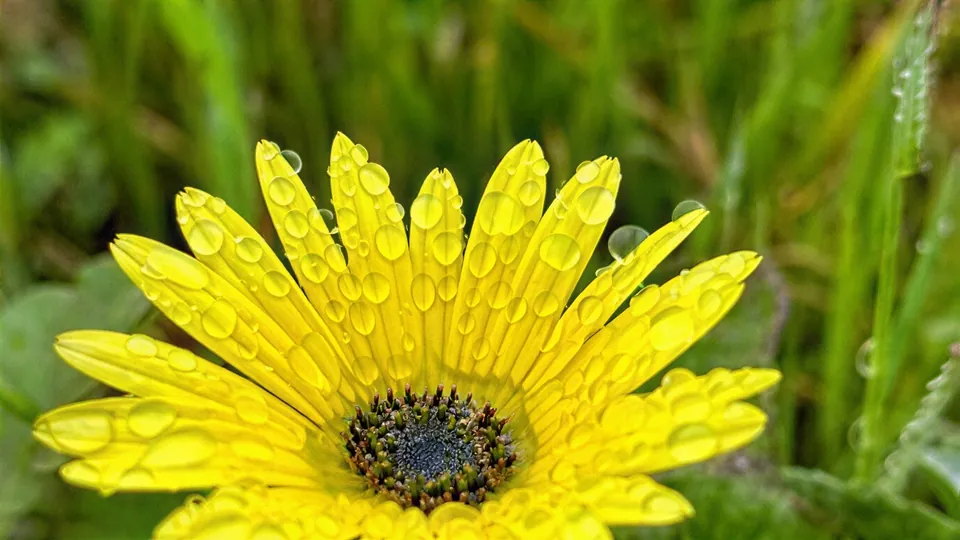
Detail rebuilt, not just stretched
- Ultra HD mode redraws petals, edges and texture
- Turns thumbnails into usable photos
- Best for small or soft images
Two ways to upscale
AI detail (Ultra HD or HD) redraws missing detail for the best-looking result. Upscale 2×–16× enlarges to an exact size you choose.
Made for illustrations too
Switch the image type to Illustration for cartoons, logos and digital art. Edges stay crisp instead of getting painterly.
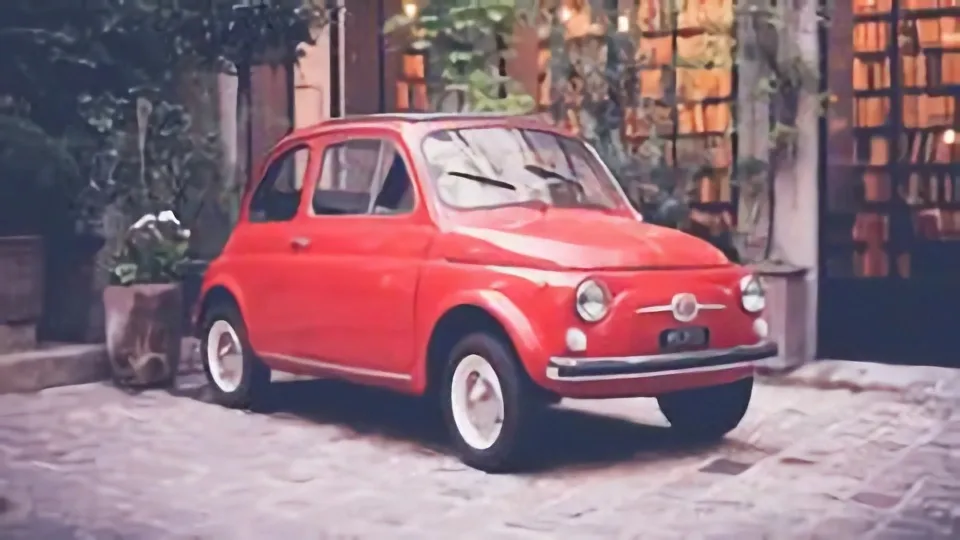
Clean up noise while you enlarge
Grainy night shots and old scans get cleaner with noise reduction from low to highest.
How it works
Upload an image
JPG, PNG, WEBP, BMP or TIFF up to 30 MB.
Pick a method
AI detail (Ultra HD or HD), or Upscale 2×, 4×, 8× or 16× with photo or illustration mode.
Download the large version
Compare, then save. Try another method and process again if you like.
Popular uses
How is AI upscaling different from resizing?
Normal resizing stretches existing pixels, so edges get blurry or blocky. AI upscaling predicts the detail that should be there, such as fabric texture, hair and sharp lines, and draws it in at the new size.
It’s ideal for small images from old phones, web thumbnails, screenshots and artwork you want to print larger.
Questions
Ready to enlarge your image?
Free, no sign-up, up to 16× bigger.