Bring black-and-white photos to color
Upload an old black-and-white photo and AI adds natural colors in seconds. Free, no sign-up.
- Natural skin and sky tones
- JPG, PNG or WebP output
- Up to 5 photos at once
or drop a file here, or paste with Ctrl+V
JPG, PNG, WEBP, BMP, TIFF, GIF, up to 20 MB each. Up to 5 at once
No image? Try one:
See the past the way it looked
Pick an example, then drag the slider to compare.
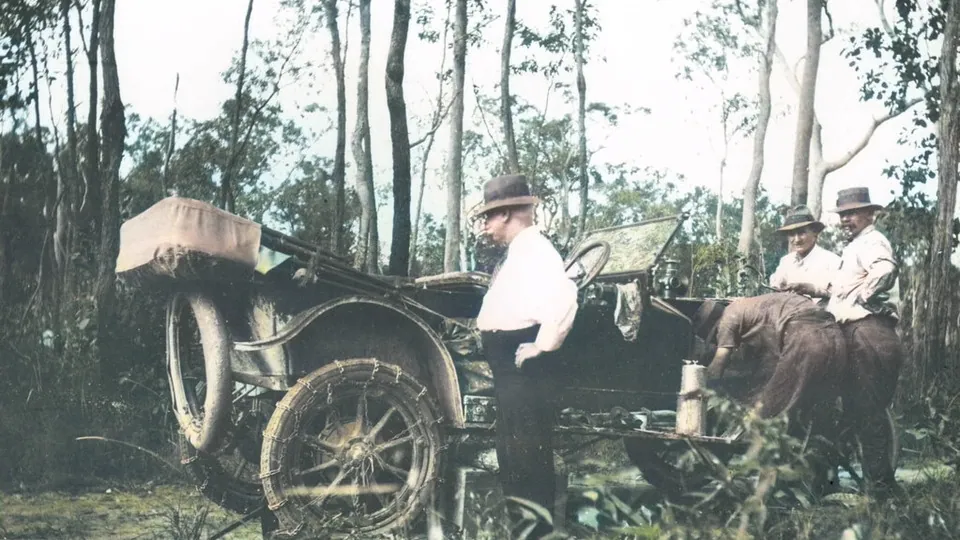
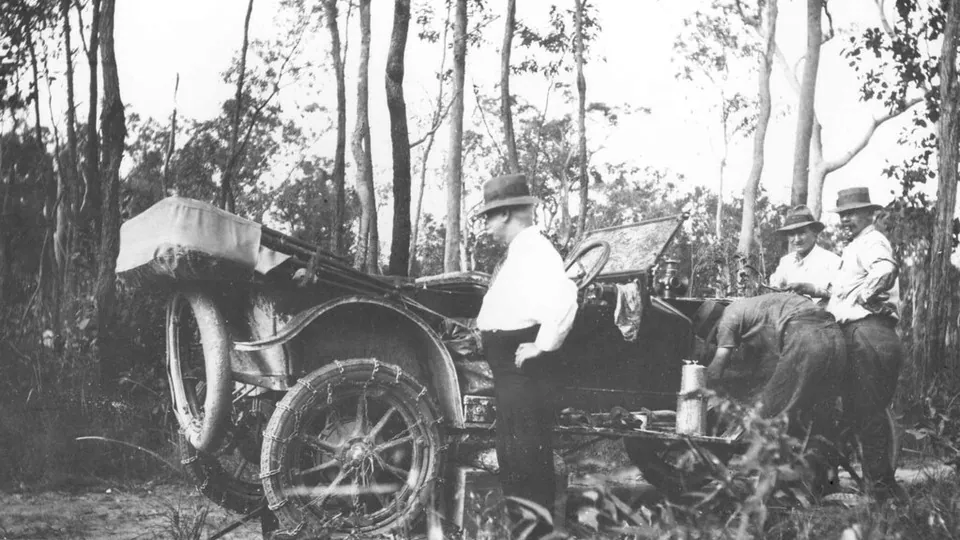
History in full color
- Realistic colors for skin, clothes and trees
- Keeps the original detail and grain
- Works on scans and phone photos of prints
Natural colors, automatically
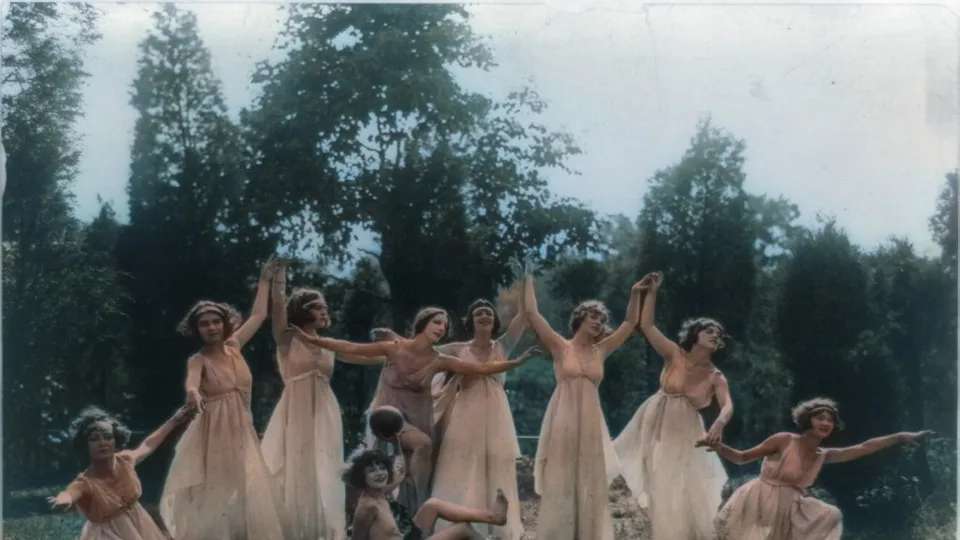
The AI recognises skin, clothing, plants, sky and buildings and colors each one realistically. There’s nothing to paint or pick.
Damaged as well as faded?
If the print is scratched, creased or torn, the old photo restorer repairs the damage and colorizes in one go.
Restore a damaged photoPick your file format
Save as JPG for sharing, PNG for editing, or WebP for websites.
How it works
Upload a black-and-white photo
JPG, PNG, WEBP, BMP or TIFF up to 20 MB. Scans and phone photos of prints both work.
AI adds the colors
It usually takes a few seconds.
Download in color
Choose JPG, PNG or WebP, compare, and save.
Popular uses
How does photo colorization work?
A colorization model has learned from millions of color photos what things usually look like: skin tones, grass, sky, brick, wood. Given a black-and-white image, it recognises each region and predicts natural colors for it, keeping the original light and shadow.
It’s a fast way to bring family albums, archive pictures and historical photos to life.
Questions
Ready to see it in color?
Free, no sign-up, and done in seconds.