Make image files smaller
Shrink photos for websites, email and uploads while keeping them looking the same. Free, no sign-up.
- Quality or target size
- JPG, PNG or WebP
- Resize at the same time
or drop a file here, or paste with Ctrl+V
JPG, PNG, WEBP, BMP, TIFF, GIF, up to 20 MB each. Up to 5 at once
Lower = smaller file. 60–80 looks the same for most photos.
Height follows to keep the proportions.
No image? Try one:
Smaller files that look the same
Pick an example to compare the original and the compressed file.
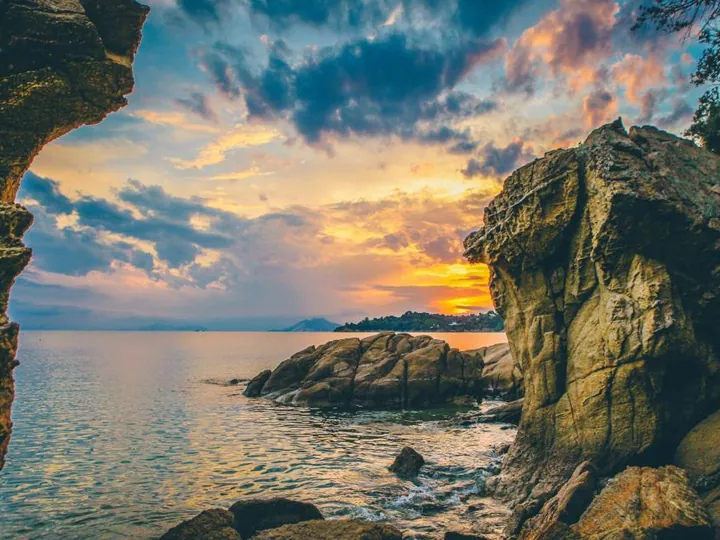
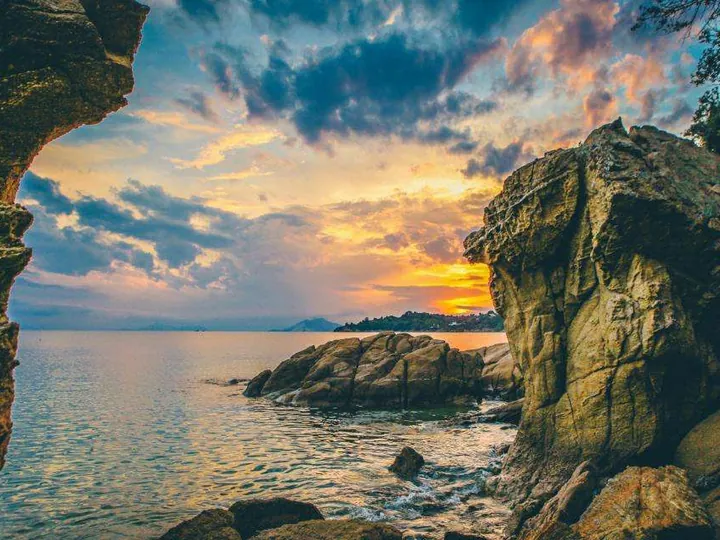
68% smaller, same look
- Pick a quality from 1 to 100
- Keeps the original format by default
- See the saving for every file
Compress by quality or by size
Choose a quality level, or type the file size you need, like 200 KB for a form upload. We do the rest.
Convert while you compress
Keep the original format, or switch to JPG, PNG or WebP. WebP is usually the smallest for websites.
Resize in the same step
Set a new width and the height follows to keep the proportions. Large camera photos shrink a lot.
How it works
Upload images
JPG, PNG, WEBP, GIF and more up to 20 MB each, up to 5 at once.
Choose how to compress
By quality or target size, the output format, and an optional new width.
Download smaller files
See how much each file shrank, then save it.
How does image compression work?
Compression removes information your eyes are unlikely to notice, such as tiny color differences and detail hidden in busy areas. Lossy formats like JPG and WebP can shrink photos dramatically; lossless PNG keeps every pixel but saves less.
Smaller images make websites load faster, emails send quicker, and forms with upload limits accept your file.
Questions
Ready to shrink your images?
Free, no sign-up, and up to 5 files at once.