Expand photos beyond their edges
Make a photo wider or taller and AI fills in the new space to match. Free, no sign-up.
- Wider, taller or all sides
- Custom amount per side
- Describe what to add
or drop a file here, or paste with Ctrl+V
JPG, PNG, up to 5 MB
No image? Try one:
More photo, same moment
Pick an example to compare the original with the expanded photo.
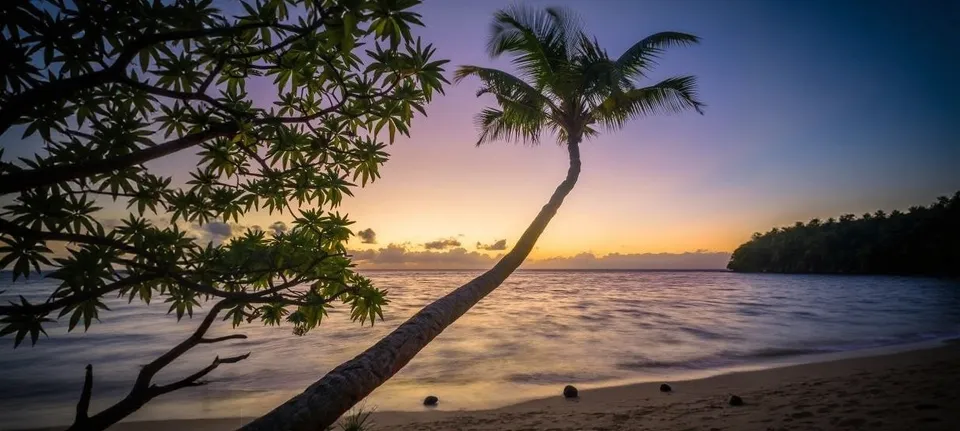
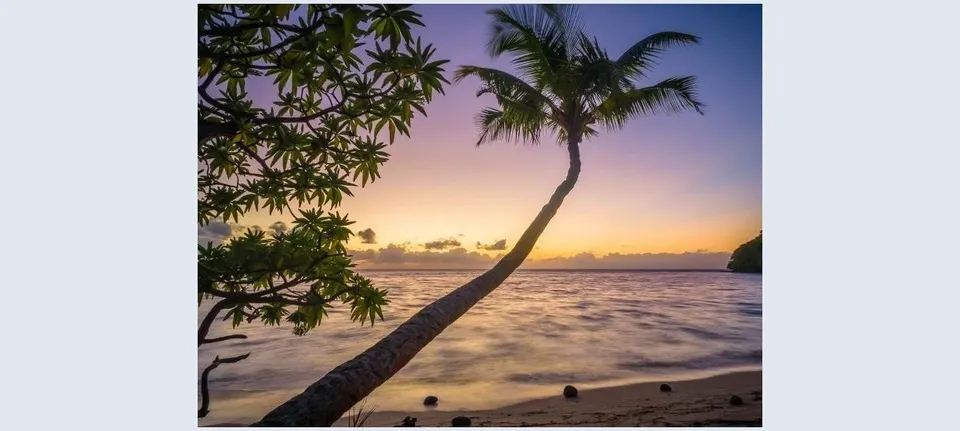
From portrait crop to wide banner
- Extends sky, sea and sand naturally
- Great for website banners and covers
- No visible seams
Choose how to expand
Wider, taller, a little on all sides, a lot on all sides, or set each side yourself from 1% to 100%.
Tell it what to add
Optionally describe the new area, like "more sandy beach and sea". Leave it empty and the AI continues the scene on its own.
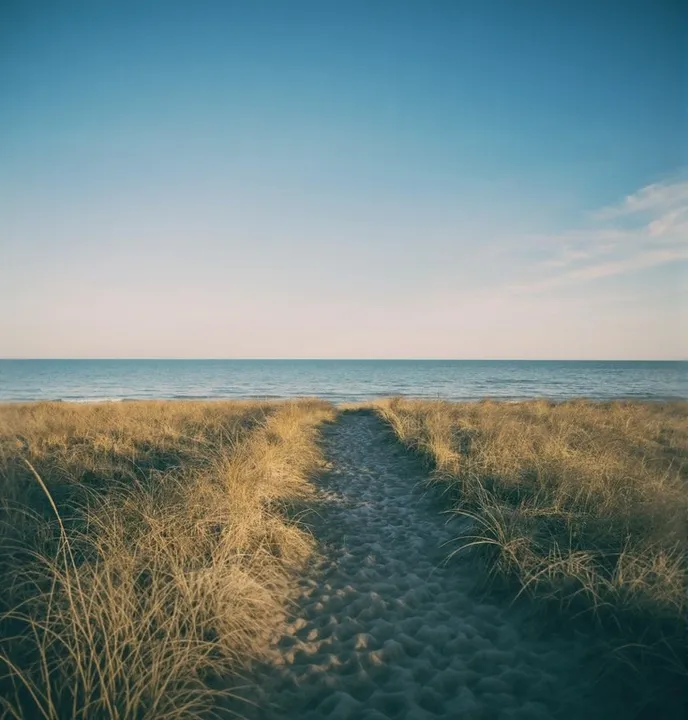
Your original stays untouched
Only the new space is generated. The photo you uploaded sits in the middle exactly as it was.
How it works
Upload a photo
JPG or PNG up to 5 MB, between 64 and 4096 pixels.
Pick a direction and amount
Use a preset or set each side, and optionally describe what to add.
Download the bigger photo
It usually takes 10–30 seconds. Process again for a new variation.
What is AI image expansion?
Image expansion, also called outpainting, adds new pixels around the edges of a photo. The AI studies the scene and continues it: more sky, more floor, more background, matching the light and perspective.
Use it to change a photo’s shape for banners, social posts and phone wallpapers without cropping anything out.
Questions
Ready to see more of your photo?
Free, no sign-up, any direction.