Turn images and PDFs into editable text
Upload a photo, scan or document and get the text back as plain text, Word, Excel, PowerPoint or a searchable PDF. Free, no sign-up.
- Images, PDF and Office files
- Word, Excel, PDF or text out
- English, Chinese, Japanese and more
or drop a file here, or paste with Ctrl+V
JPG, PNG, GIF, BMP, PDF, PPT/PPTX, XLS/XLSX, DOC/DOCX, up to 50 MB
No image? Try one:
From picture to text in seconds
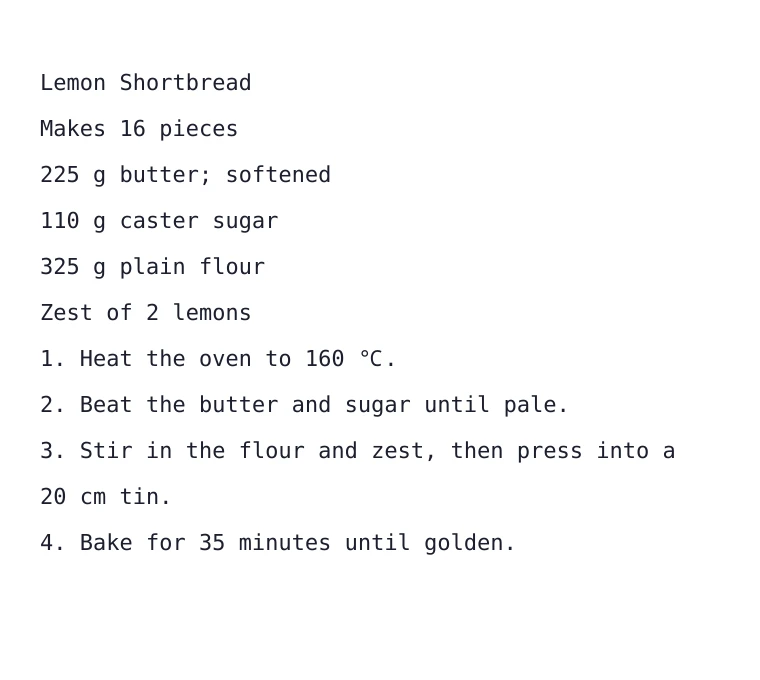
A real result: the photo on the left, the text we got back on the right.
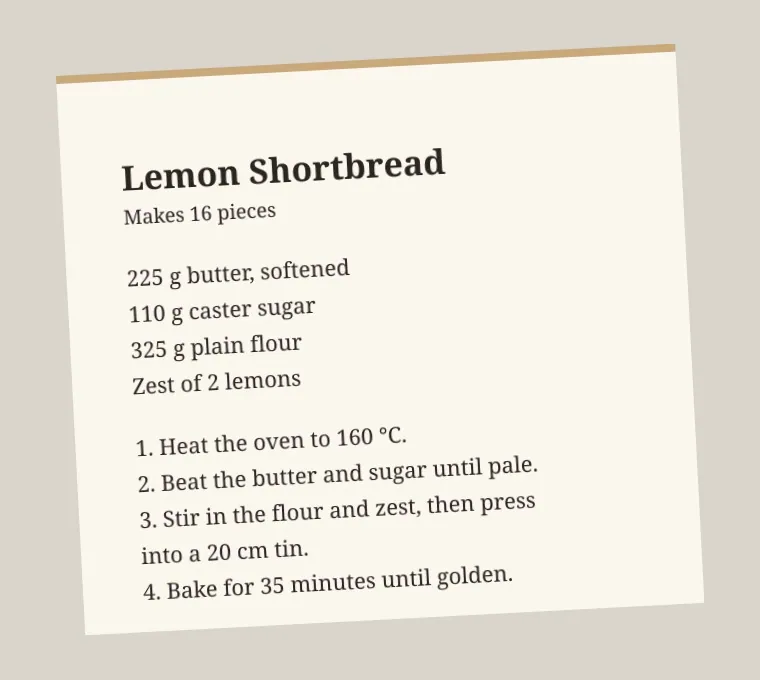
Lemon Shortbread
Makes 16 pieces
225 g butter; softened
110 g caster sugar
325 g plain flour
Zest of 2 lemons
1. Heat the oven to 160 ℃.
2. Beat the butter and sugar until pale.
3. Stir in the flour and zest, then press into a 20 cm tin.
4. Bake for 35 minutes until golden.
Copy text out of any photo
- Works on tilted phone photos
- Keeps line breaks and numbering
- Copy the text or download a file
Save in the format you need
Plain text to copy and paste, Word or a searchable PDF to edit and archive, Excel for tables, or PowerPoint for slides.
Not just images
Upload PDFs, Word, Excel and PowerPoint files too, up to 50 MB, and get the text out of scanned pages inside them.
Many languages
English, Chinese (Simplified and Traditional), Japanese, Korean, French, German, Spanish, Italian, Portuguese and Russian. Digits are always recognised.
How it works
Upload a file
An image, PDF, Word, Excel or PowerPoint file up to 50 MB.
Pick the language and format
Choose the document’s language and how you want the text saved.
Copy or download
Plain text appears on the page; other formats download as files.
Popular uses
What is OCR?
OCR (optical character recognition) reads the letters and numbers in an image and turns them into real text you can search, copy and edit. It saves retyping receipts, letters, book pages and screenshots.
For best results, photograph the page flat and in good light. The smart crop tool can straighten a tilted page first.
Questions
Ready to extract your text?
Free, no sign-up, many languages.