Straighten and crop documents and products
Turn a tilted phone photo of a page or product into a flat, cropped, clean image. Free, no sign-up.
- Documents and products
- Straighten, crop and enhance
- Optional background removal
or drop a file here, or paste with Ctrl+V
JPG, PNG, WEBP, BMP, TIFF, GIF, up to 20 MB each. Up to 5 at once
No image? Try one:
Crooked photos, straightened
Pick an example to see the original and the result.
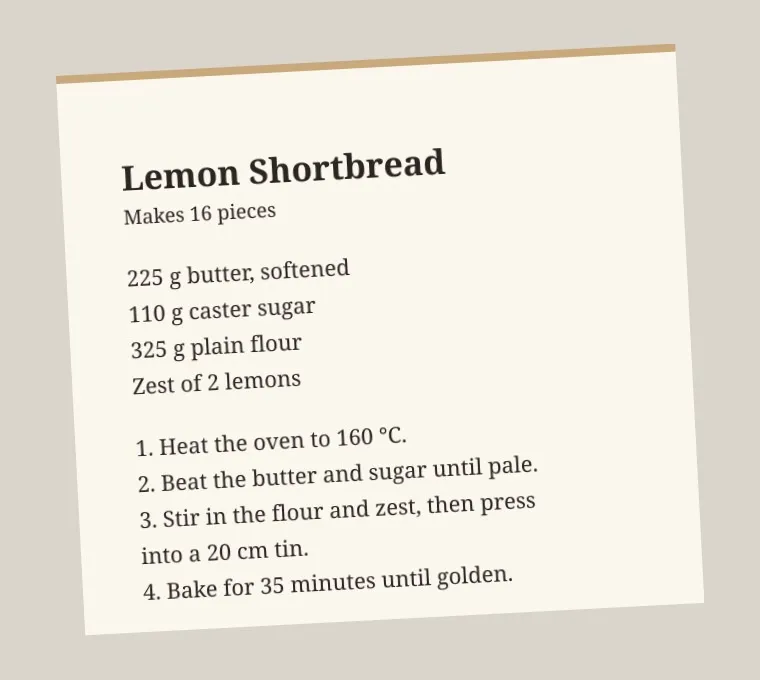
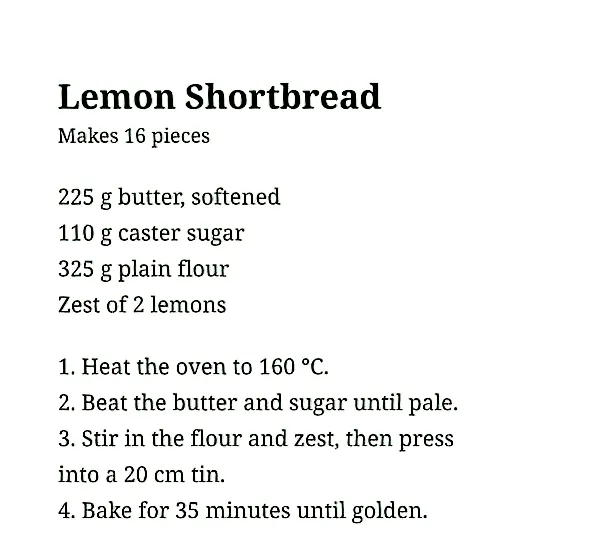
Like a scan, from a phone photo
- Finds the page edges
- Straightens and crops to the paper
- Brightens text for easy reading
Five modes
Documents: crop and straighten, enhance only, or both. Products: crop and straighten, or crop, straighten and remove the background.
Ready for OCR
A flat, cropped page gives much better text recognition. Straighten first, then extract the text.
Extract text from an imageClean product listings
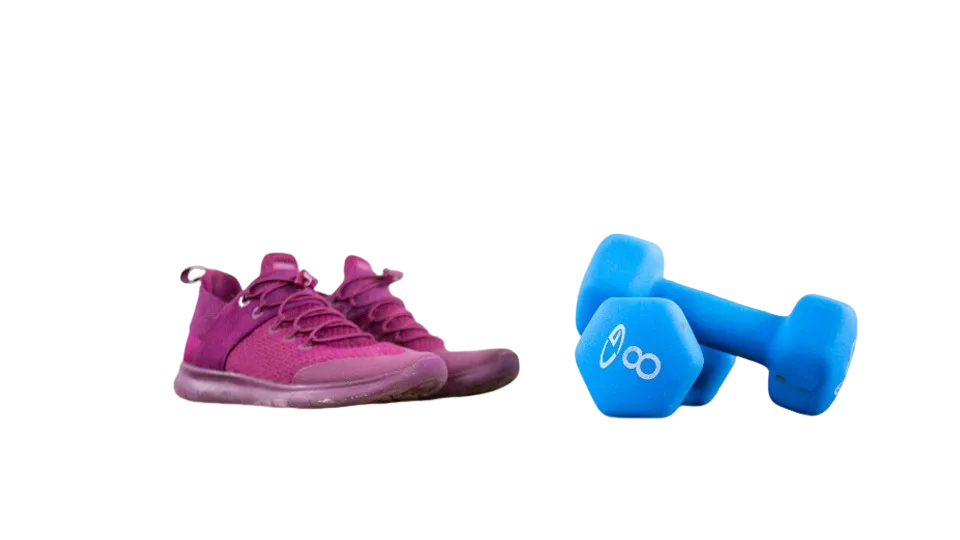
Level and tighten product shots taken at an angle, and remove the background in the same step if you need it.
How it works
Upload a photo
A document or product photo up to 20 MB.
Pick a mode
Document or product, and what you want done.
Download the clean image
Compare, then save. Try another mode and process again.
What does smart crop do?
Smart crop finds the edges of the document or product in your photo, corrects the perspective so it looks flat and straight, and crops away everything else. For documents it can also clean up shadows and boost text contrast.
Questions
Ready to straighten your photo?
Free, no sign-up, documents and products.