Skip to content
i2img
Remove backgroundEnhance photoRemove watermarkColorize photoCompress imageRemove objects
All tools
Home
Tools
Photo Enhancer
Upscale to 4K

Upscale an image to 4K

Make a small image big enough for a 4K screen. 4K UHD is 3840 × 2160 pixels: a 960 px wide image upscaled 4× lands exactly on 4K. Free, no sign-up.

  • 4K UHD is 3840 × 2160
  • 2×, 4×, 8× or 16×
  • No sign-up, no watermark

or drop a file here, or paste with Ctrl+V

JPG, PNG, WEBP, BMP, TIFF, GIF, up to 30 MB each. Up to 5 at once

Image type

No image? Try one:

Bigger images that stay sharp

Pick an example, then drag the slider to compare.
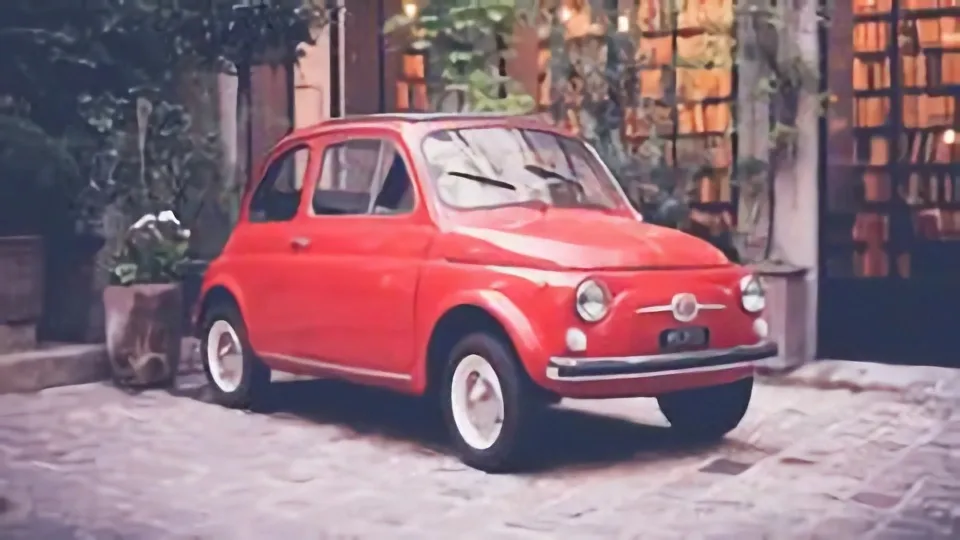
The car photo upscaled 4× with clean edges
Small, blocky photo of a red car
BeforeAfter

Exact sizes: 2×, 4×, 8× or 16×

  • Lossless enlargement to a set size
  • Photo or illustration model
  • Optional noise reduction

How it works

  1. 1

    Check your image width

    Divide 3840 by your image’s width: 1920 px needs 2×, 960 px needs 4×, 480 px needs 8×.

  2. 2

    Upload with the right factor

    “Upscale 4×” is preselected. Change it to 2× or 8× in the Method list if your image is larger or smaller.

  3. 3

    Download in 4K

    Save the enlarged image for your 4K monitor, TV or print.

Related tools

  • Sharpen blurry and low-resolution photosEnhance photo
  • Upscale small images without losing detailUpscale image
  • Restore scratched and faded old photosRestore old photo
  • Compress JPG, PNG and WebP imagesCompress image

Getting an image to 4K

A 4K screen has four times as many pixels as Full HD. Stretching a small image in an editor just makes it blurry; an AI upscaler adds plausible detail so edges stay clean.

Use it for wallpapers, old digital photos and artwork you want to show full-screen on a 4K display.

Questions

4K UHD, the standard for TVs and monitors, is 3840 × 2160 pixels. Cinema 4K (DCI) is slightly wider at 4096 × 2160.

1920 × 1080 (Full HD) needs 2×; 960 × 540 needs 4×; 480 × 270 needs 8×. For other sizes, pick the factor that gets the width to 3840 or just above.

Upscaling fills in detail but can’t recover what was never captured. Clean, reasonably sharp originals give the best 4K results; for a soft photo, try “AI detail, Ultra HD”.

The enhancer improves quality but stops at 2× for most photos, which isn’t enough for 4K. The upscaler on this page goes to 4×, 8× or 16×.

Yes. There is no sign-up and no watermark on the download.

Ready to enlarge your image?

Free, no sign-up, up to 16× bigger.

i2img

Free AI tools to cut out, fix, and resize your photos in the browser. No account needed.

Cut out

  • Remove background
  • Cut out face
  • Separate clothing
  • Generate background

Enhance

  • Enhance photo
  • Upscale image
  • Restore old photo
  • Colorize photo

Clean up

  • Remove watermark
  • Remove objects
  • Retouch photo

Resize

  • Compress image
  • Expand image
  • Auto-crop photo

ID & documents

  • Make ID photo
  • Make retouched ID photo
  • Extract text

© 2026 i2img

  • All tools
  • Blog
  • About
  • Contact
  • Privacy Policy
  • Terms of Use