Skip to content
i2img
Remove backgroundEnhance photoRemove watermarkColorize photoCompress imageRemove objects
All tools
Home
Tools
Background Removal
Amazon product photos

Pure white backgrounds for Amazon product photos

Amazon’s main image must sit on a pure white background. Upload your product photo and get it cut out on white (RGB 255, 255, 255) in seconds. Free, no sign-up.

  • Pure white #FFFFFF
  • Up to 5 photos at once
  • No sign-up, no watermark

or drop a file here, or paste with Ctrl+V

JPG, PNG, WEBP, BMP, TIFF, GIF, up to 20 MB each

No image? Try one:

Works on whatever is in your photo

Pick a subject to see the before and after. Drag the slider to compare.
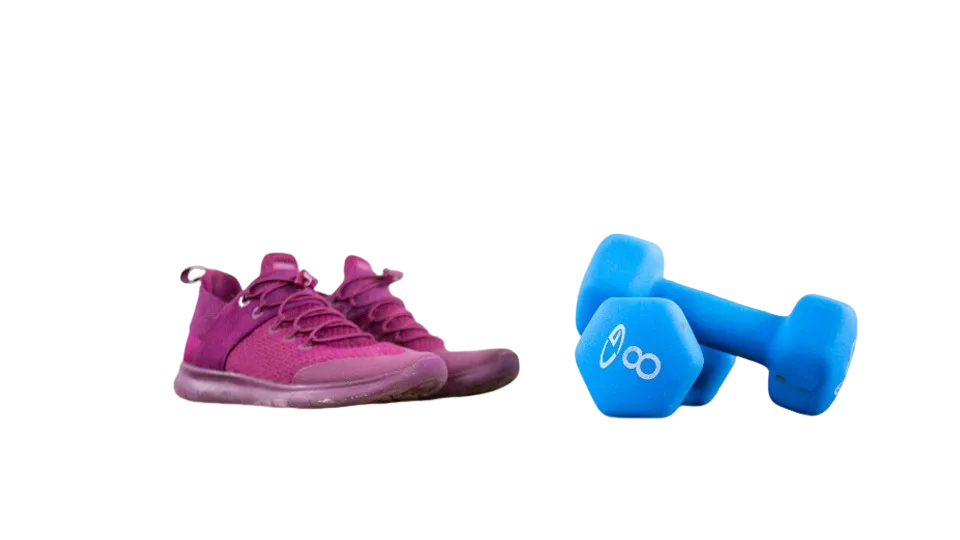
The sneakers and dumbbells cut out on a transparent background
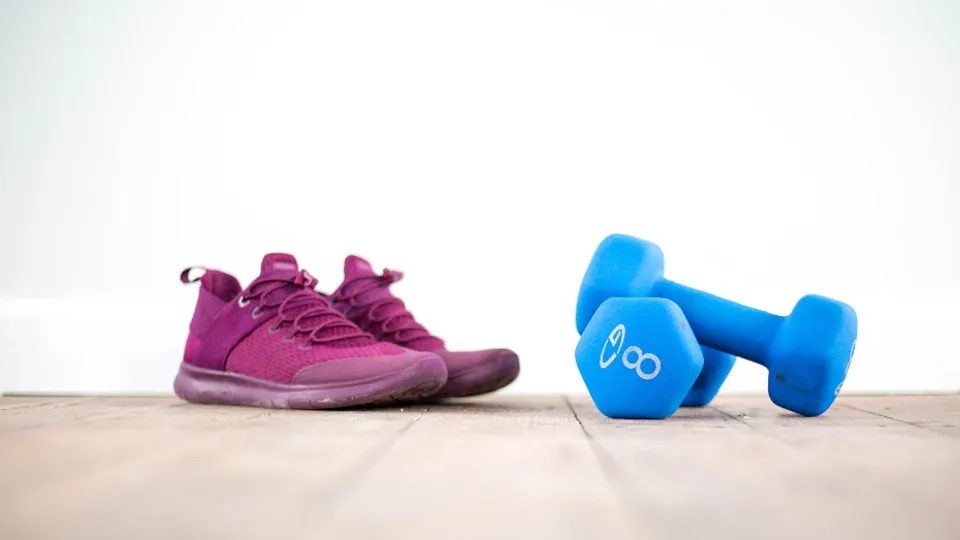
Pink sneakers and blue dumbbells on a wooden floor
BeforeAfter

Product photos ready for your store

  • Drop the table or room behind the item
  • Place it on white or a brand color for listings
  • Export a transparent PNG for any design tool

How it works

  1. 1

    Upload your product photos

    Shoot the product on any plain surface in good light. Upload up to 5 photos at once.

  2. 2

    White is applied automatically

    The AI removes the background and fills it with pure white. You can switch to transparent or another color in the editor.

  3. 3

    Download and list

    Save the image and upload it as your main product image in Seller Central.

Related tools

  • Remove the background from product photosRemove background
  • Sharpen blurry and low-resolution photosEnhance photo
  • Remove watermarks and text from imagesRemove watermark
  • Erase unwanted objects and people from photosRemove objects

Why Amazon wants white backgrounds

A consistent white background makes search results easy to compare and keeps the focus on the product. Listings whose main image breaks the rules can be suppressed from search until it is fixed.

Your other images (the secondary ones) can show the product in use or on a styled background. For those, try the background generator.

Questions

The main image must have a pure white background (RGB 255, 255, 255), show only the product being sold, have no text, logos or watermarks, and the product should fill about 85% of the frame.

Amazon recommends at least 1,000 pixels on the longest side so shoppers can zoom. Start from a sharp, high-resolution photo; for small images, run them through the upscaler first.

Yes. The download is filled with exactly #FFFFFF, which is what Amazon checks for.

Yes. A white background works on every marketplace; Amazon is just the strictest about it.

Yes. There is no sign-up and no watermark on the download.

Ready to cut out your photo?

Free, no sign-up, and your first result is a few seconds away.

i2img

Free AI tools to cut out, fix, and resize your photos in the browser. No account needed.

Cut out

  • Remove background
  • Cut out face
  • Separate clothing
  • Generate background

Enhance

  • Enhance photo
  • Upscale image
  • Restore old photo
  • Colorize photo

Clean up

  • Remove watermark
  • Remove objects
  • Retouch photo

Resize

  • Compress image
  • Expand image
  • Auto-crop photo

ID & documents

  • Make ID photo
  • Make retouched ID photo
  • Extract text

© 2026 i2img

  • All tools
  • Blog
  • About
  • Contact
  • Privacy Policy
  • Terms of Use