Copy text from a screenshot
Got a screenshot of a message, an error or a slide? Upload it and get the text back, ready to copy, paste or save as Word. Free, no sign-up.
- Plain text or Word
- 11 languages
- No sign-up, no watermark
or drop a file here, or paste with Ctrl+V
JPG, PNG, GIF, BMP, PDF, PPT/PPTX, XLS/XLSX, DOC/DOCX, up to 50 MB
No image? Try one:
From picture to text in seconds
A real result: the photo on the left, the text we got back on the right.
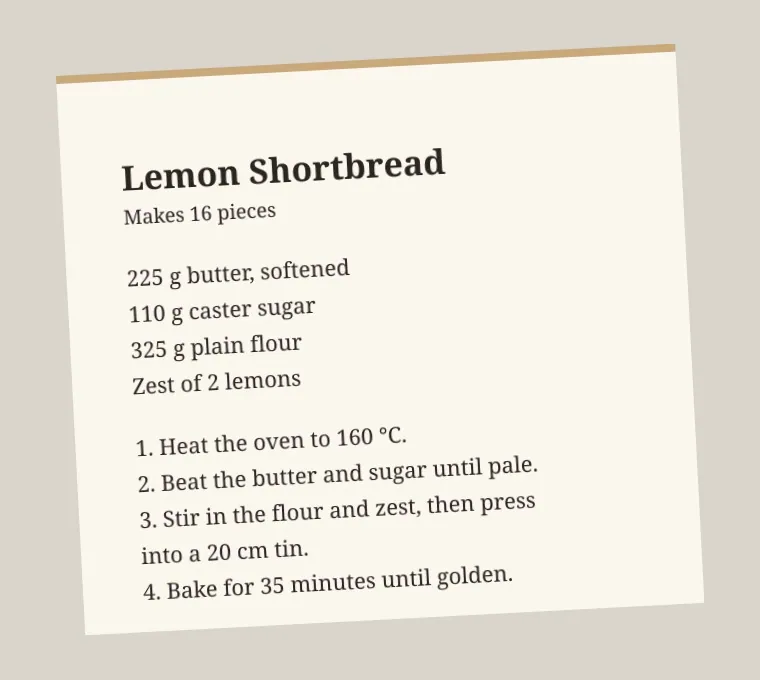
Lemon Shortbread
Makes 16 pieces
225 g butter; softened
110 g caster sugar
325 g plain flour
Zest of 2 lemons
1. Heat the oven to 160 ℃.
2. Beat the butter and sugar until pale.
3. Stir in the flour and zest, then press into a 20 cm tin.
4. Bake for 35 minutes until golden.
Copy text out of any photo
- Works on tilted phone photos
- Keeps line breaks and numbering
- Copy the text or download a file
How it works
Take or find the screenshot
PNG screenshots work best. Crop to the part with text if the screen has a lot of other content.
Upload it here
Pick the language of the text, then upload. Plain text output is preselected.
Copy the text
Copy it straight from the result, or download it as a text or Word file.
Why copy text from screenshots
Screenshots are how we save chats, error messages and slides, but the text in them can’t be searched or edited. Pulling it out saves retyping and mistakes.
It’s handy for quoting a message, searching an error online, or turning a slide into notes.
Questions
Ready to extract your text?
Free, no sign-up, many languages.