Compress an image to 50 KB
Online form says “maximum 50 KB”? Upload your photo and get a JPG under 50 KB, as sharp as that size allows. Free, no sign-up.
- Under 50 KB, JPG
- Up to 5 images at once
- No sign-up, no watermark
or drop a file here, or paste with Ctrl+V
JPG, PNG, WEBP, BMP, TIFF, GIF, up to 20 MB each. Up to 5 at once
Works with JPG and WebP output, not PNG. Large photos are also resized if that’s needed to fit.
Height follows to keep the proportions.
No image? Try one:
Smaller files that look the same
Pick an example to compare the original and the compressed file.
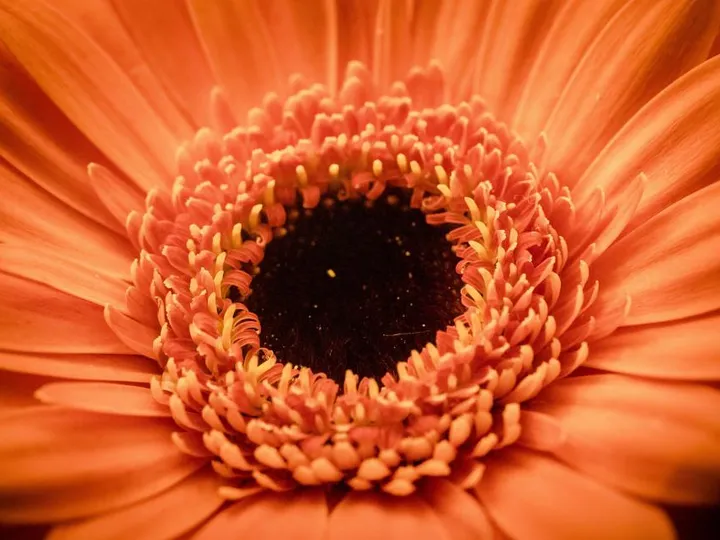
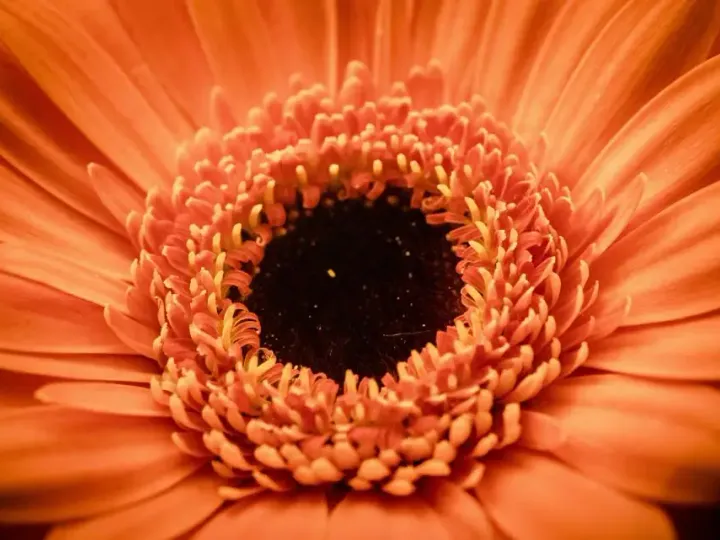
Hit an exact file size
- Type a size in KB and we aim for it
- Perfect for upload limits on forms and stores
- Works with JPG and WebP output
How it works
Upload your image
JPG, PNG, WebP and more. “Target size” is already set to 50 KB with JPG output.
It is compressed to fit
Quality is lowered only as much as needed. Very large photos are also resized so they can fit under 50 KB.
Download and upload
The download is below 50 KB, ready for the form or site that asked for it.
Popular uses
Why sites ask for images under 50 KB
Application portals, exam and job sites and government forms often cap uploads at a fixed size to keep their storage and pages light. A modern phone photo is usually several megabytes, far over the limit.
Compressing to a target size keeps the photo recognisable while meeting the limit, without you having to try different quality settings by hand.
Questions
Ready to shrink your images?
Free, no sign-up, and up to 5 files at once.