Skip to content
i2img
Remove backgroundEnhance photoRemove watermarkColorize photoCompress imageRemove objects
All tools
Home
Tools
Background Removal
Etsy and Shopify product photos

Clean backgrounds for Etsy and Shopify product photos

Make your shop look consistent: remove the background from product photos and put them on white, a brand color or transparent. Up to 5 at a time. Free, no sign-up.

  • White, color or transparent
  • Up to 5 photos at once
  • No sign-up, no watermark

or drop a file here, or paste with Ctrl+V

JPG, PNG, WEBP, BMP, TIFF, GIF, up to 20 MB each

No image? Try one:

Works on whatever is in your photo

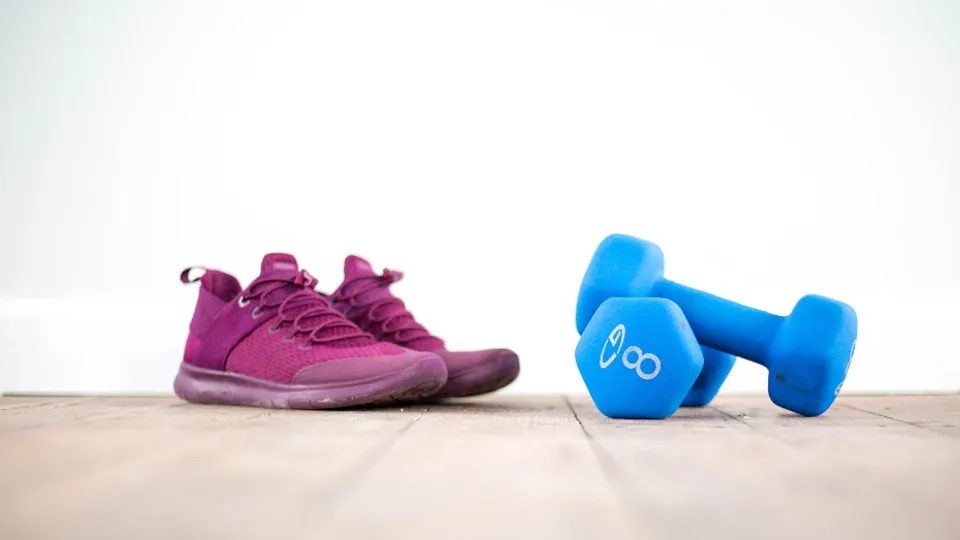
Pick a subject to see the before and after. Drag the slider to compare.
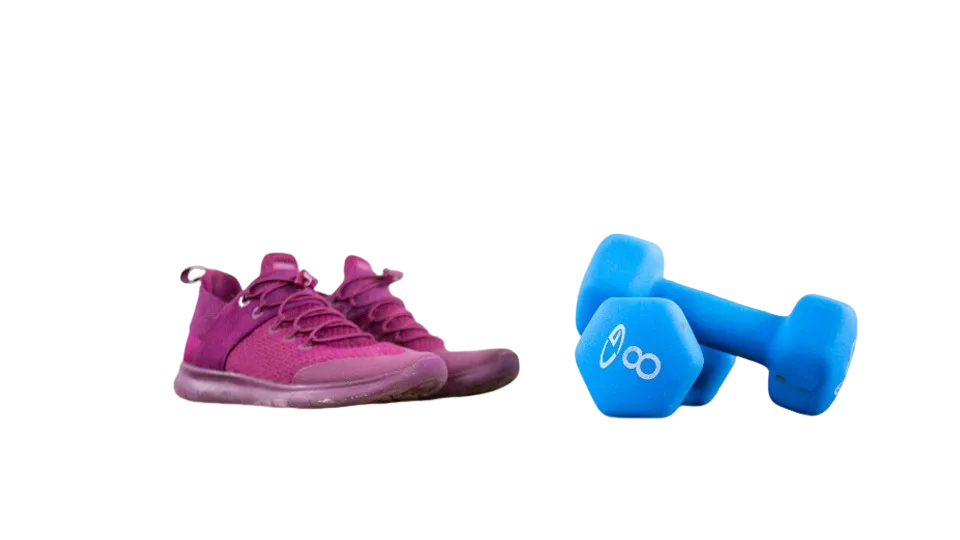
The sneakers and dumbbells cut out on a transparent background
Pink sneakers and blue dumbbells on a wooden floor
BeforeAfter

Product photos ready for your store

  • Drop the table or room behind the item
  • Place it on white or a brand color for listings
  • Export a transparent PNG for any design tool

How it works

  1. 1

    Upload your product photos

    Shoot on any plain surface in good light, then upload up to 5 photos at once.

  2. 2

    Pick the background

    White is applied automatically. Switch to transparent or your brand color in the editor so every listing matches.

  3. 3

    Download and upload to your shop

    Save each photo and add it to your Etsy listing or Shopify product.

Popular uses

  • White backgrounds for Amazon product photos
  • Make a transparent signature PNG

Related tools

  • Remove the background from product photosRemove background
  • Sharpen blurry and low-resolution photosEnhance photo
  • Remove watermarks and text from imagesRemove watermark
  • Erase unwanted objects and people from photosRemove objects

Why consistent product backgrounds sell

Shoppers compare products side by side. When every photo in your shop has the same clean background, the products stand out instead of the clutter behind them.

Use the plain version for your main image and thumbnails, and styled or in-use photos further down the listing.

Questions

No. Unlike Amazon’s main image, neither requires white. A clean, consistent background across all your listings simply makes the shop look more professional.

Both platforms recommend large, high-resolution images. Check Etsy’s Seller Handbook and the Shopify Help Center for their current recommended dimensions, and start from a sharp original photo.

Yes. Choose transparent before you download to get a PNG you can place on any background or theme.

Yes. For lifestyle shots, use the background generator to place the product on a table, in a kitchen or outdoors.

Yes. There is no sign-up and no watermark on the download.

Ready to cut out your photo?

Free, no sign-up, and your first result is a few seconds away.

i2img

Free AI tools to cut out, fix, and resize your photos in the browser. No account needed.

Cut out

  • Remove background
  • Cut out face
  • Separate clothing
  • Generate background

Enhance

  • Enhance photo
  • Upscale image
  • Restore old photo
  • Colorize photo

Clean up

  • Remove watermark
  • Remove objects
  • Retouch photo

Resize

  • Compress image
  • Expand image
  • Auto-crop photo

ID & documents

  • Make ID photo
  • Make retouched ID photo
  • Extract text

© 2026 i2img

  • All tools
  • Blog
  • About
  • Contact
  • Privacy Policy
  • Terms of Use